
Tips & Best Practices for Product Screenshots & Videos
Capture high-quality product screenshots and videos showcasing your tool's features and interface to help potential customers understand your solution's value
Compelling Screenshots and Videos: How to Showcase Your Product's Features and Value Perfectly
awork
Project Management, Workflow Management, Agency Software, Task Management.
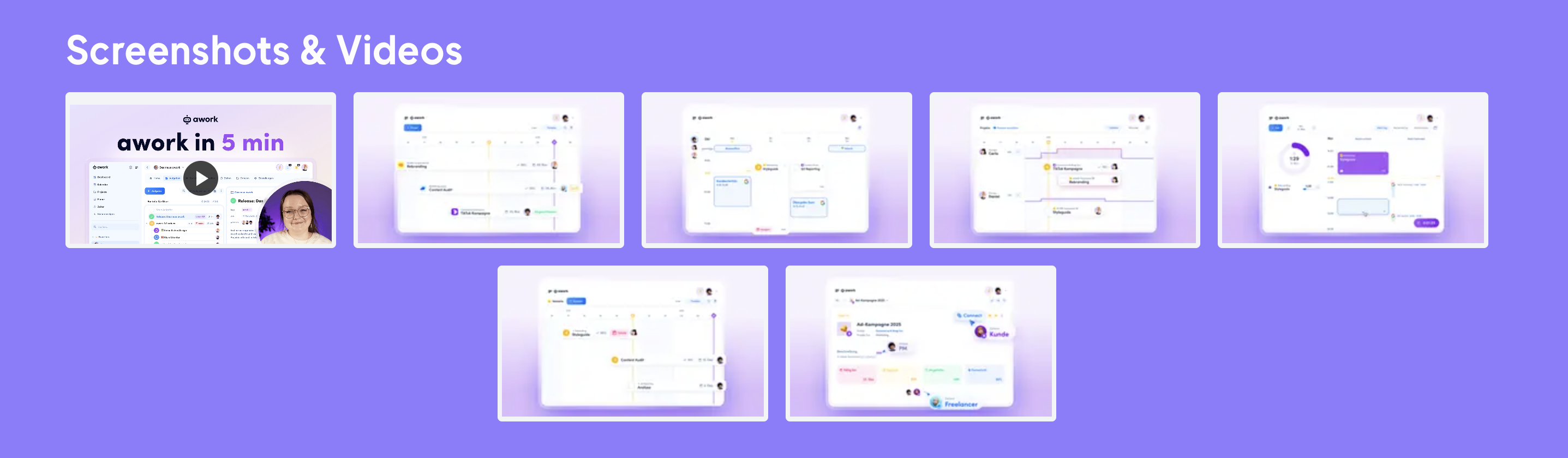
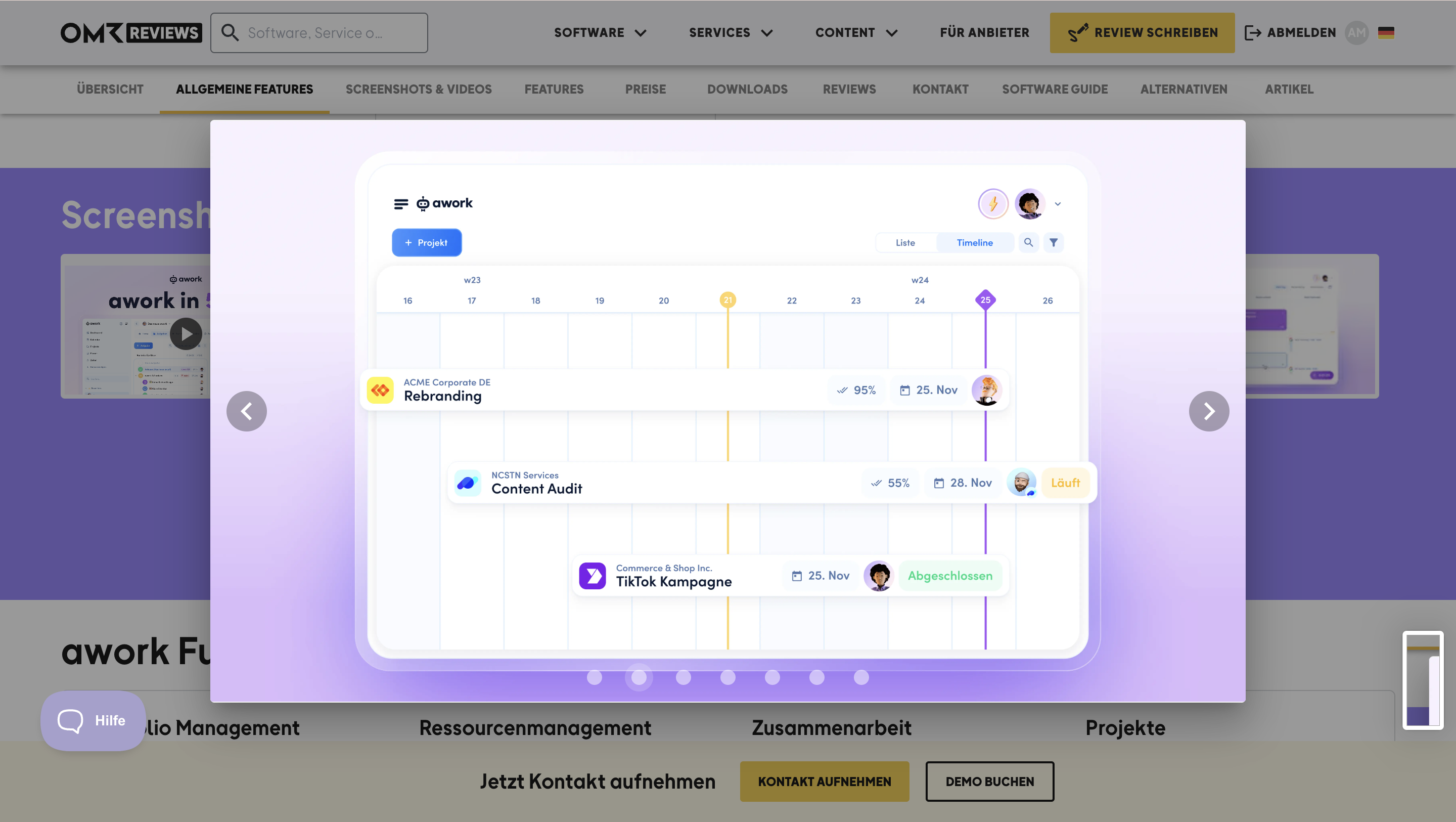
awork is a great example of how a five-minute video combined with detailed screenshots can create a connection with potential customers.
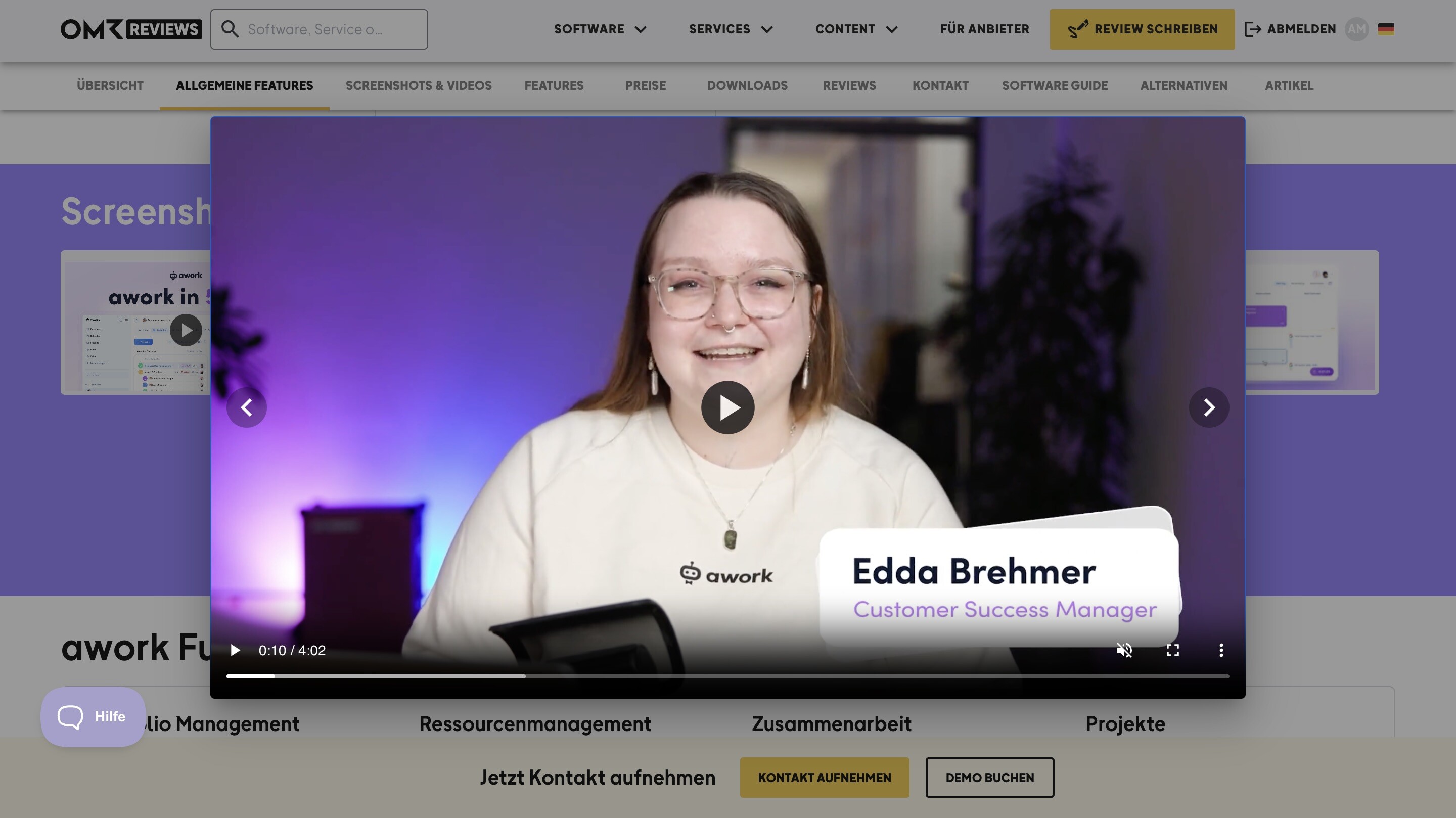
In the video, Edda from awork explains why their tool is the optimal solution for their target audience and walks through the interface in a structured and easy-to-follow way.
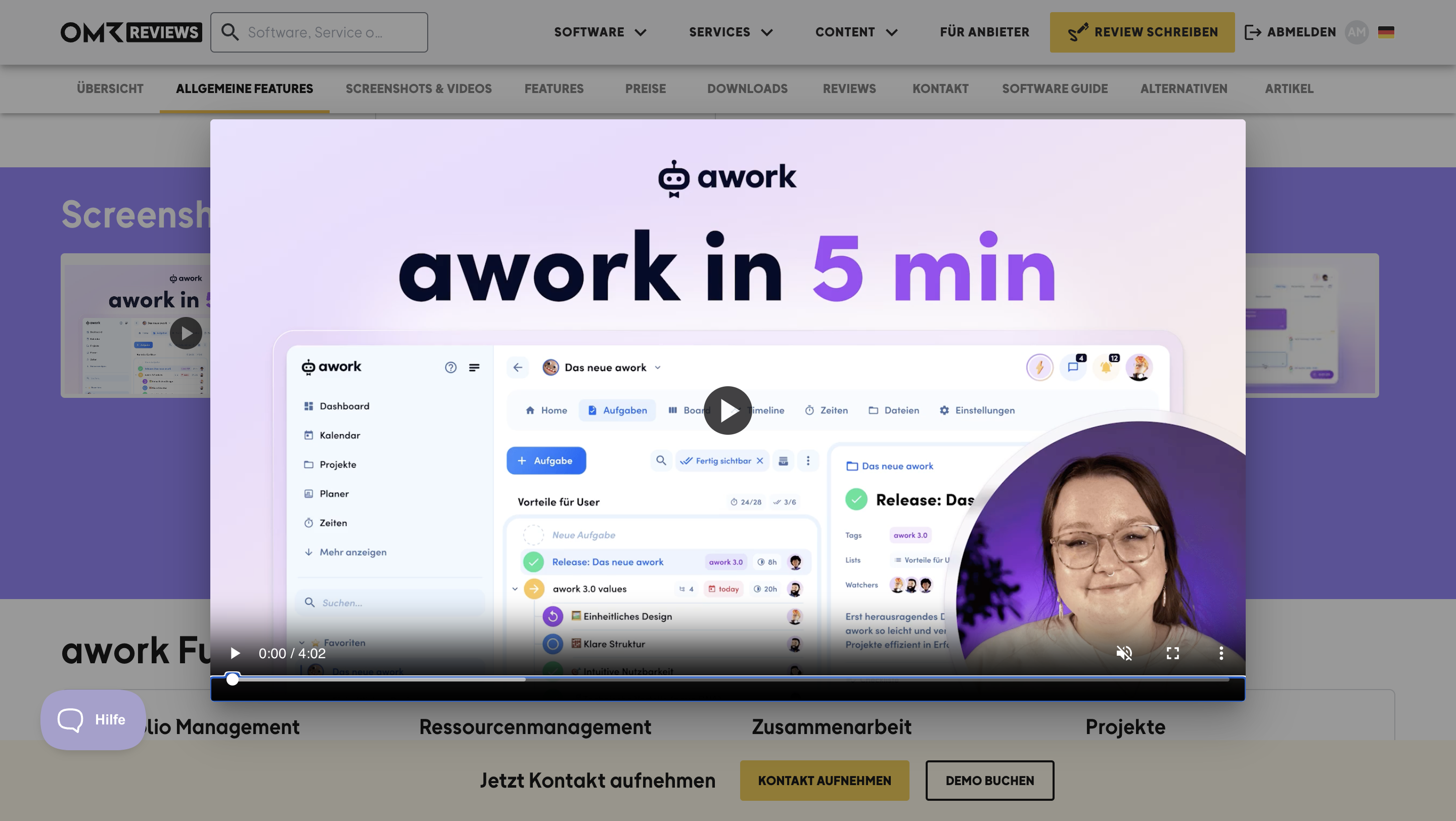
Not only are the features demonstrated in a practical manner, but the user-friendliness and advantages of the tool are also highlighted clearly.
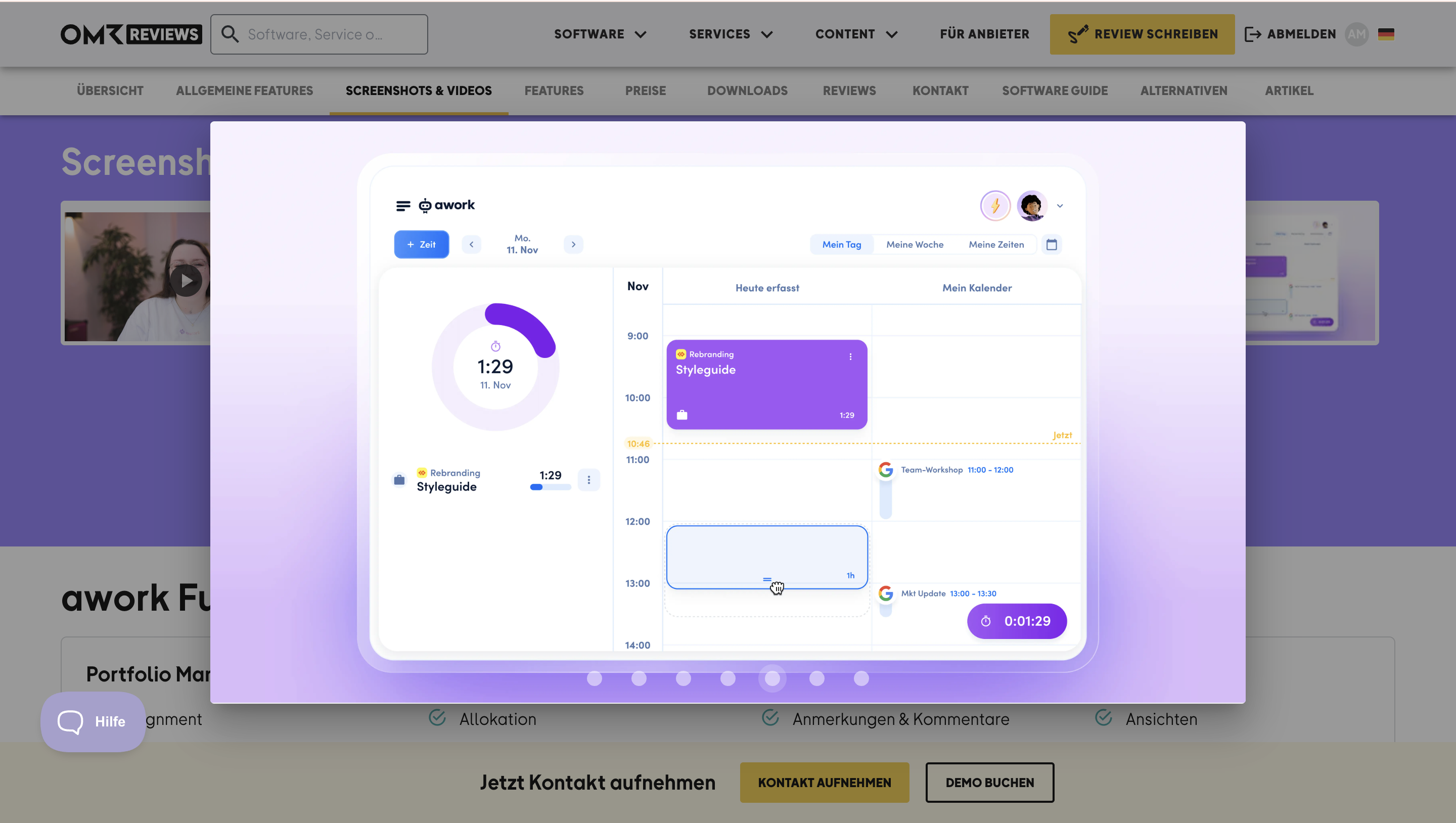
Based on experience, many customers look at images first before taking the time to watch a video to get an initial overview. Only once your interest is piqued do you make the effort to watch a video. That's why it's important to upload high-quality screenshots that explain your tool clearly and understandably.
Instaffo
Recruitment Platforms, Recruitment Marketing, Talent Marketplace Platforms
Here's another best practice example for you 👇
Instaffo has uploaded two videos that not only present the tool's interface but also convey its advantages along with helpful tips and tricks for using it.
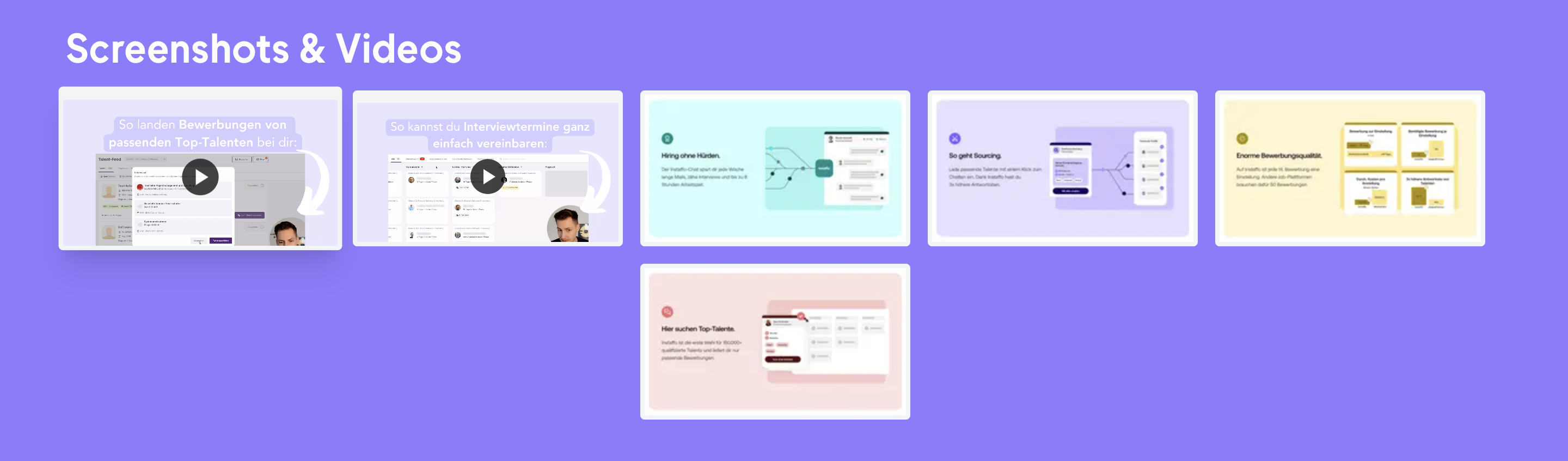
Videos like these offer potential customers a practical look at the tool, show how it works, and clarify what they'll be working with if they choose this solution.
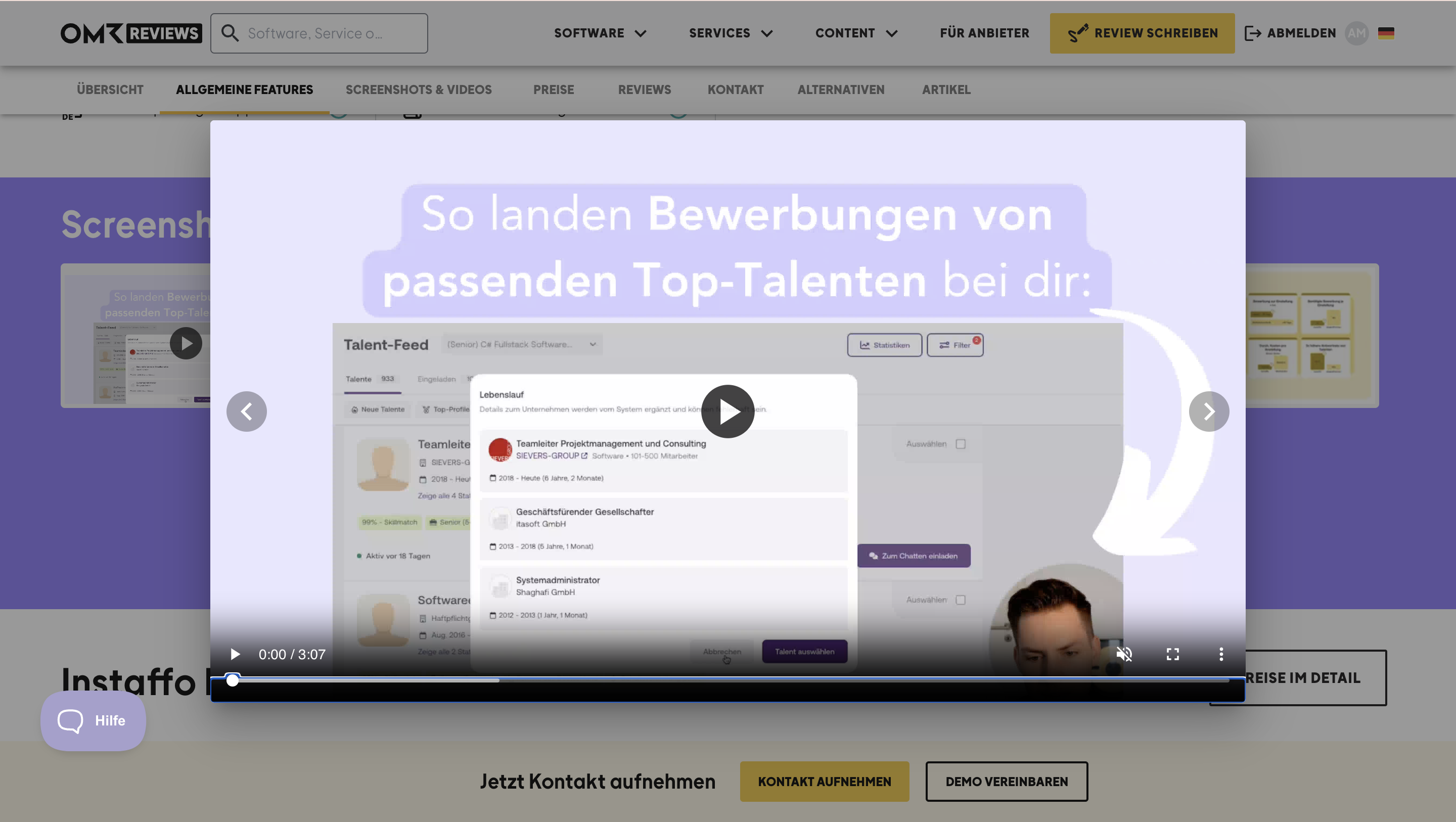
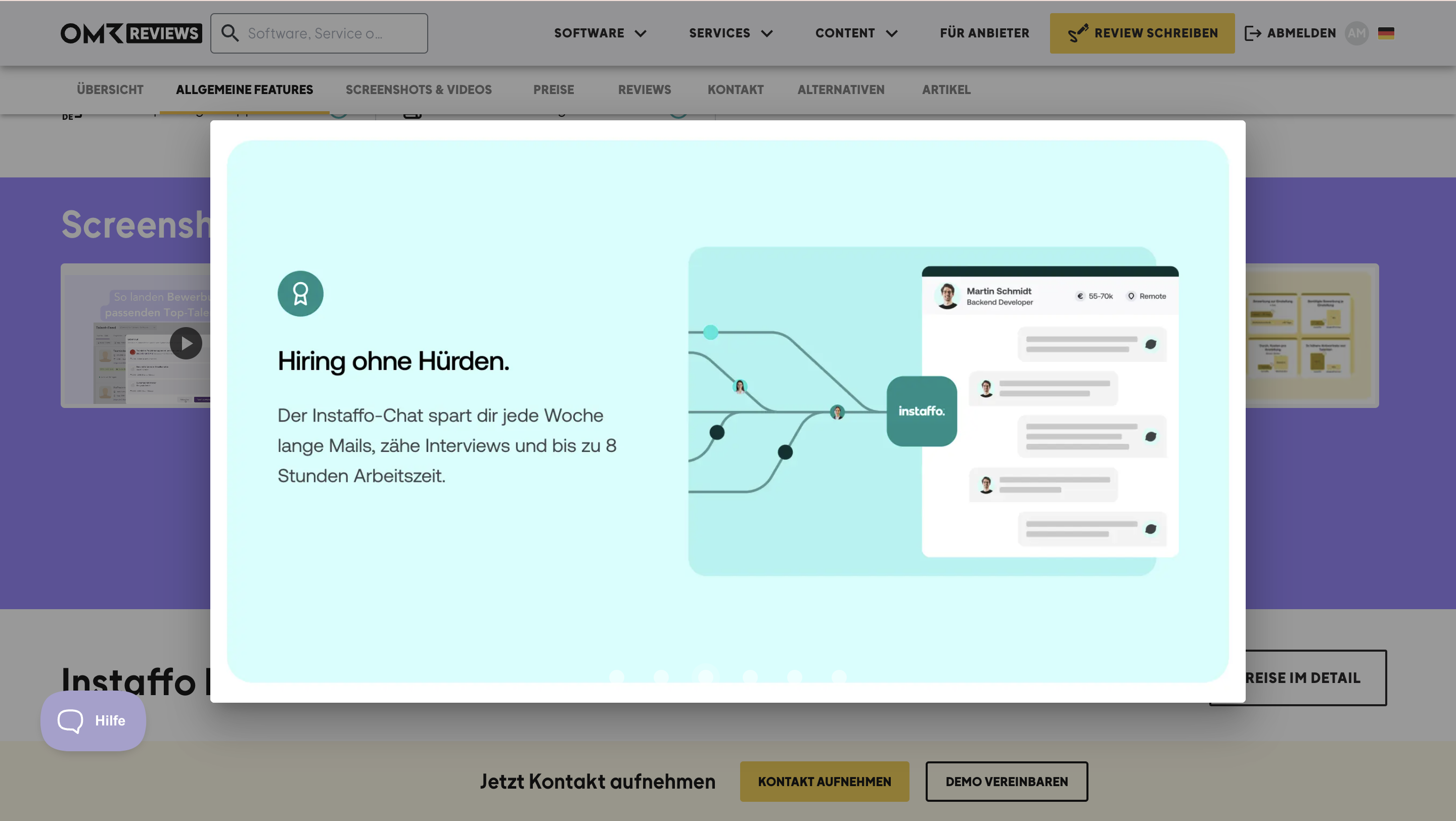
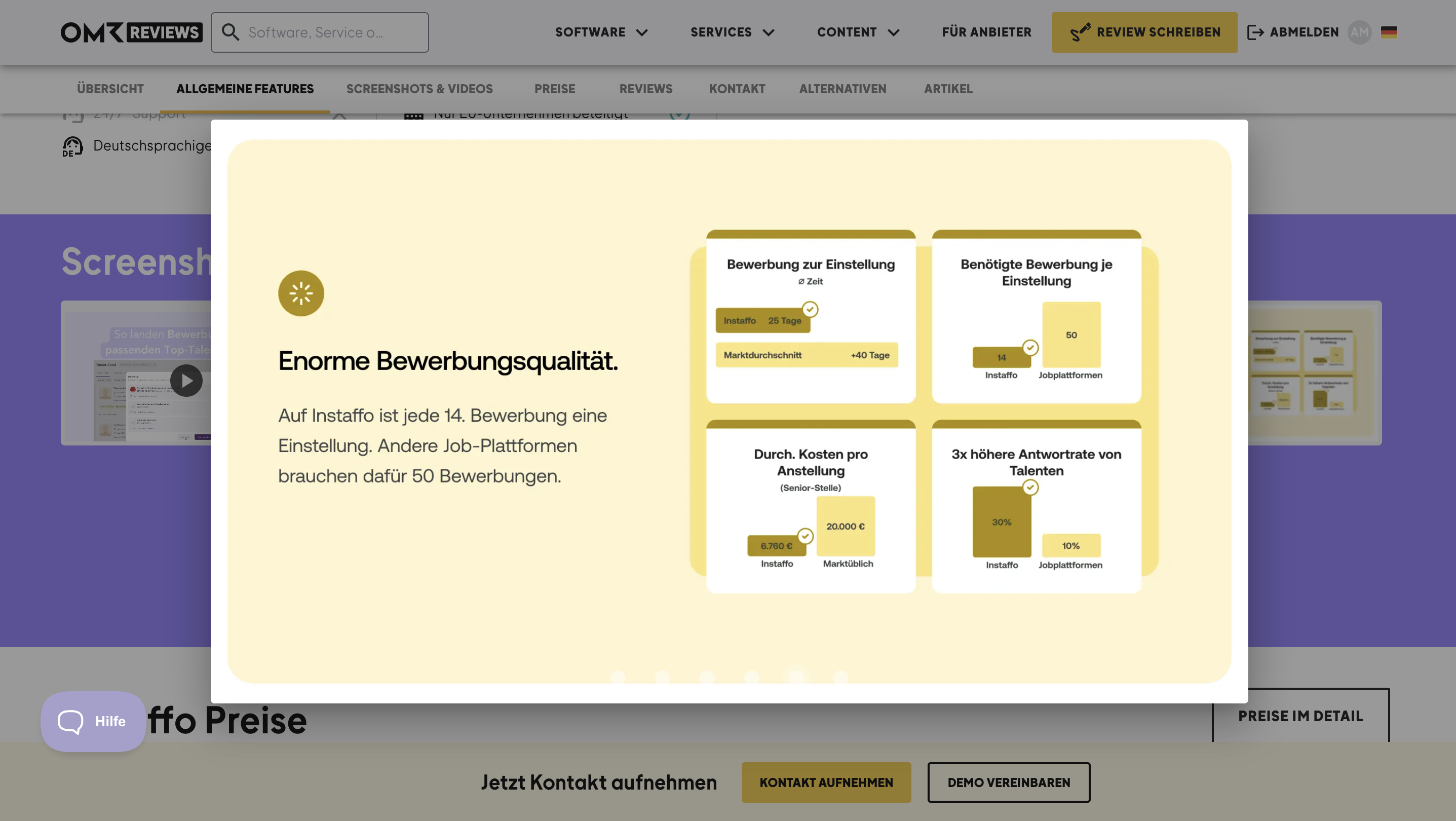
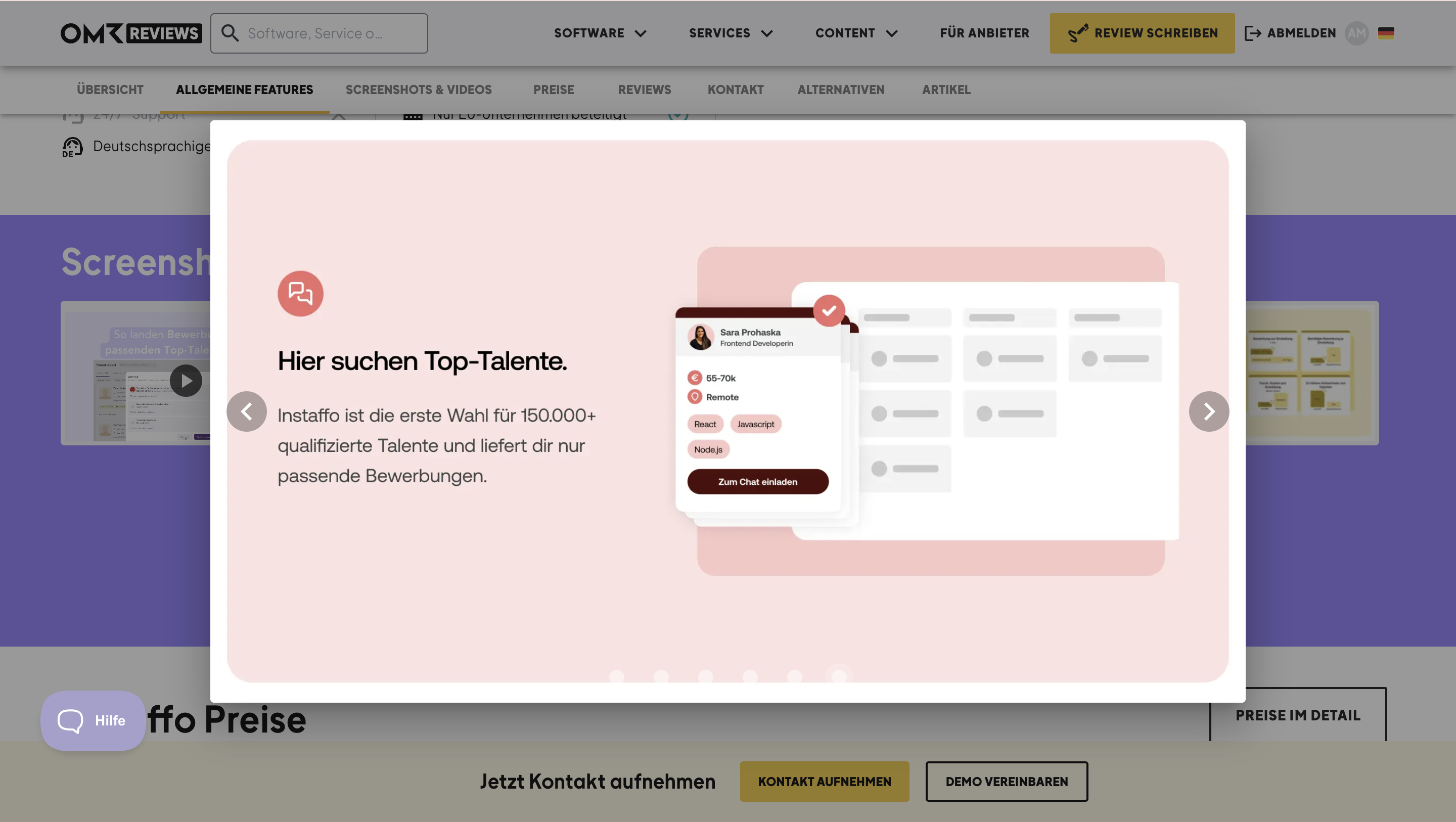
In Instaffo's case, the screenshots focus less on the interface since this was shown in great detail in the two videos. Instead, the screenshots explain the main features and advantages of the tool.
 Powered by happysupport.ai