
Logging in to OMRviewer for software providers
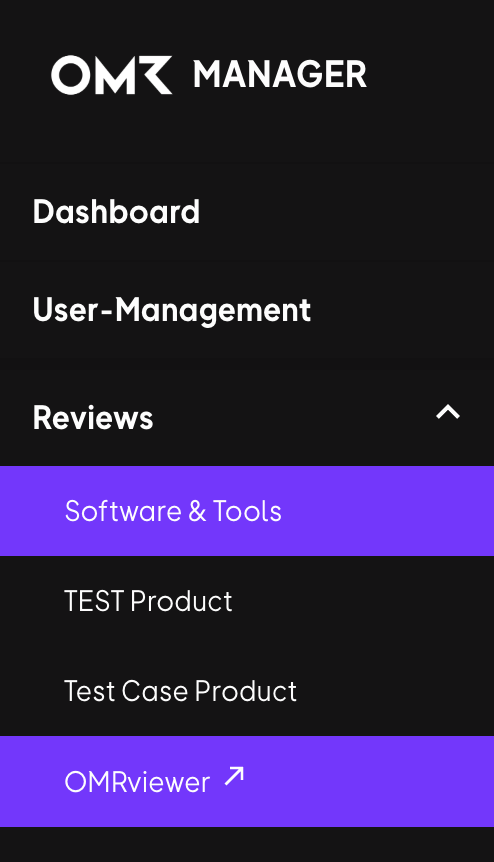
Access your OMR Reviews buyer intent data by logging into OMRviewer through OMR Manager's Reviews menu option in the left-hand navigation
Log in to OMRviewer to access your OMR Reviews buyer intent data.
1. Log in to OMR Manager.
2. Click Reviews in the left-hand menu.
3. Scroll down and click OMRviewer at the bottom of the menu.
4. A new window opens, and you’re logged in to OMRviewer.
Last updated  Powered by happysupport.ai
Powered by happysupport.ai© 2026 HappySupport. All rights reserved.