
Step by Step to a Successful Review Campaign
Plan review campaigns by defining team roles, segmenting your audience, offering incentives, and measuring results to optimize your outreach
Use these strategies and steps to collect reviews effectively
In this article, we’ll show you step by step how to plan and run successful review campaigns.
Here are the steps covered in this article 👇
-
Define responsibilities and tasks
-
Define and segment your target audience
-
Offer incentives
-
Plan your outreach strategy
-
Run your campaigns
-
Measure success and identify opportunities to optimize
Step 1: Define responsibilities and tasks
Teamwork makes the dream work, and that goes for collecting reviews too!
The better your team works together, the more successful your review campaigns will be.
So, schedule a short kick-off meeting to tell your team about your presence on OMR Reviews, clarify responsibilities, set shared goals, and discuss the next steps for collecting reviews.
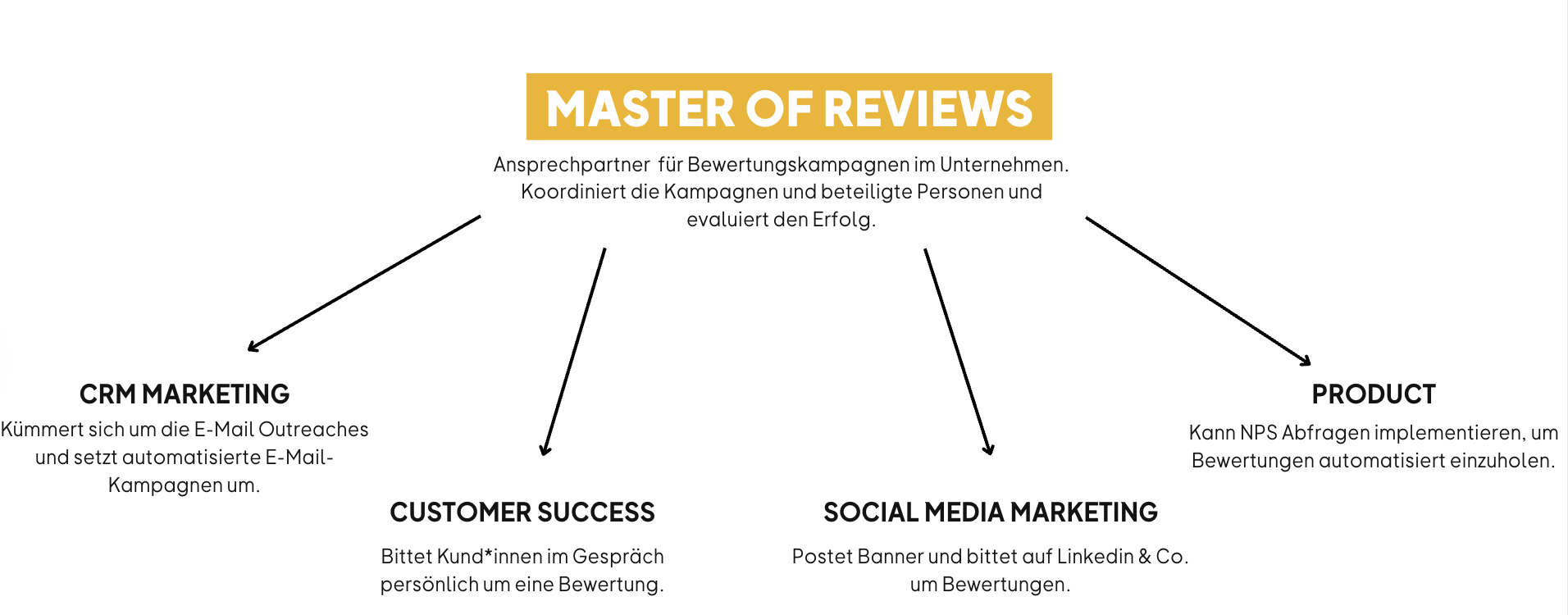
The clearer everyone’s responsibilities are, the more smoothly and successfully your review campaign will run.
Step 2: Define and segment your target audience
The success of your review campaign depends largely on asking the right people for a review at the right time. But who are the “right” customers, and when is the ideal time to ask?
To maximize the success of your review campaign, we recommend using existing internal data to segment your target audience. Here are some useful factors to consider when selecting reviewers:
1. Customer lifecycle
Analyze your customers’ lifecycle to understand which stage they’re at. This helps you develop targeted outreach strategies. Reach out to customers at different stages of the customer journey, from long-time customers to new users. New users who have just completed onboarding can share fresh, up-to-date impressions of your tool, while long-time users can often provide more detailed insights. This way, you’ll get a broad range of perspectives and experiences.
2. Product usage
Identify customers based on how they use your product to find power users and heavy users. These users use your product regularly and intensively, which often means they can provide particularly detailed and insightful reviews. They can speak to specific features and describe real-world use cases, making their reviews especially valuable. Consider the following:
-
Usage frequency: How often is the product used?
-
Engagement: How much do users interact with the different features of your product?
3. Customer health
Use metrics and indicators that provide insight into customer health. Your company may already have access to data such as:
-
Customer Health Score (CHS): An important indicator of the overall health of your customer relationships.
-
Customer Satisfaction Score (CSAT): Measures customer satisfaction after specific interactions with your product or service.
-
Net Promoter Score (NPS): Measures how likely customers are to recommend your product and provides insight into their loyalty.
Identify customers who have demonstrably benefited from your product and who have already shared testimonials or success stories. Whether they’ve increased efficiency, boosted revenue, or solved a problem, success stories about your product can convince potential buyers and strengthen your credibility. At the same time, it’s also worth asking customers who have shared more critical feedback, such as those with a lower NPS, to leave a review. They can offer valuable insights to help you improve your product, and their honest feedback can make your profile more trustworthy.
Use segmentation strategies to invite the right customers to leave reviews at the right time. Don’t focus only on your happiest customers and strongest advocates. People looking for software want to get a realistic picture of your product, and they value a range of opinions and user experiences when making a decision.
Step 3: Offer incentives
Offering an incentive is a way to thank reviewers for their feedback. These incentives aren’t meant to influence reviews, but they can encourage more people to take part in review surveys and recognize the time reviewers spend sharing their feedback.
Reviewers who use the incentivized invitation links you create in OMR Manager receive an Amazon gift card or a gift card of their choice after their review is published.
Gift cards worth €20 to €30 are generally preferred, as they’re considered an acceptable amount that isn’t seen as influencing the review.
For more information about the incentives available through OMR Reviews, see our article “Bonus Incentive Budget & Incentives”.
💡 Good to know:
A study by Dr. Kaitlin Woolley and Dr. Marissa A. Sharif in 2021 looked at how incentives affect the reviews people write and found that:
The higher the incentive, the …
-
... longer the review.
-
... more analytical the language used in the review.
-
... more positive the review.
-
... more likely it is that someone will write a meaningful review.
Keep in mind that some customers don’t need an incentive to leave a review. These users are often particularly engaged and appreciate the opportunity to share their experiences and opinions. They feel connected to your product and brand and want to help other potential customers make informed decisions.
You can also create non-incentivized survey links without an incentive and share them with customers. For more information, see the article OMR Reviews survey links.
Step 4: Plan your outreach strategy
A well-thought-out outreach strategy is essential to the success of your review campaign. The right timing and the right approach can make all the difference.
Identify existing and potential touchpoints in the customer journey that are a good fit for collecting feedback and reviews. The more consistently you share your campaign across different channels, the more effectively you’ll reach potential reviewers.
Get started with these simple strategies for collecting your first reviews:
Email campaign
An email campaign to your existing customers is probably one of the quickest ways to get started. You can launch one right away with minimal effort and collect valuable reviews. Use our copy templates and banner templates to help you send your campaign in less than 10 minutes.
👇 Example email campaign:
-
Email No. 1: Invitation to take part in the review campaign
↓ a few days later, if no review has been submitted
-
Email No. 2: First reminder to leave a review
↓ a few days later, if no review has been submitted
-
Email No. 3: Second reminder to leave a review
It’s perfectly fine to send reminders. Customers often intend to leave a review but forget in the course of their workday, or don’t finish the survey because they’re short on time. Reminders encourage customers to submit their reviews and increase both the conversion rate and participation rate.
-Apr-14-2025-01-36-31-2410-PM)
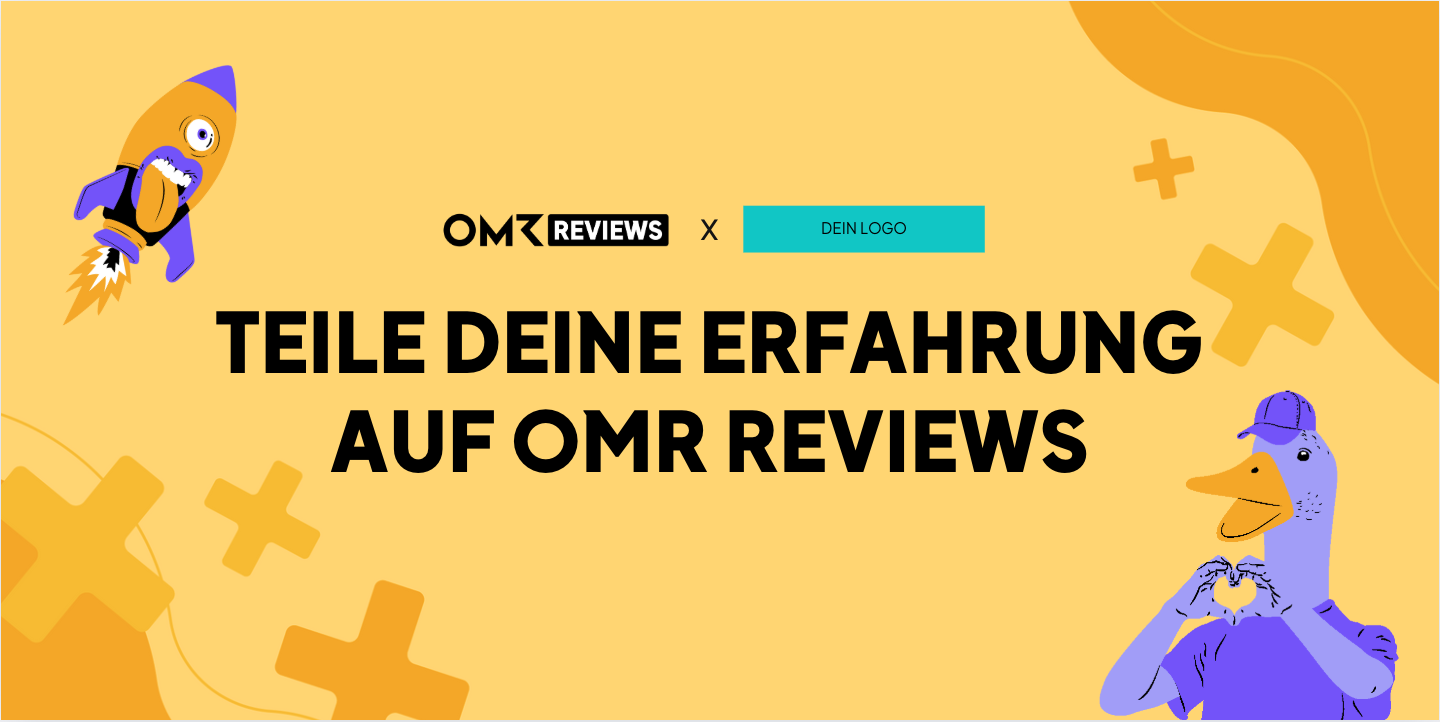
👉 Click here for the header template
👉 Click here for the signature template
-Apr-14-2025-01-38-27-5412-PM)
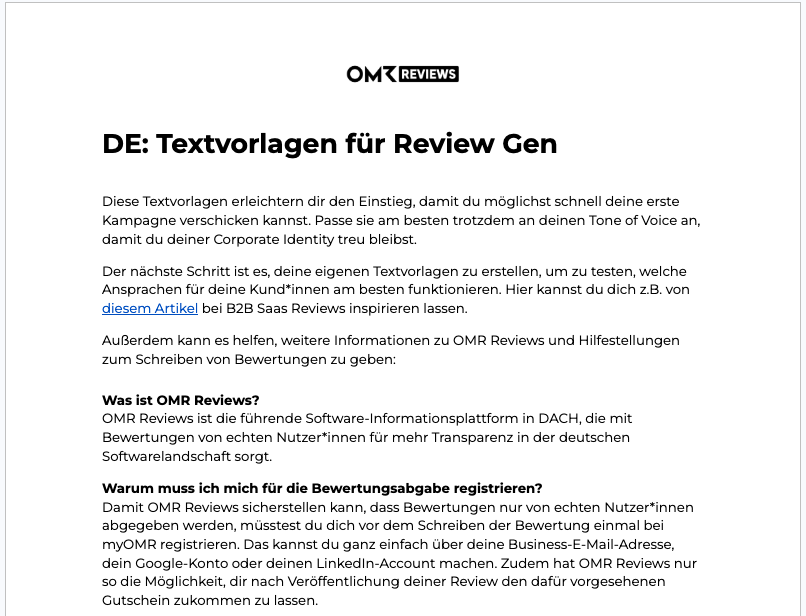
👉 Click here for the copy templates
Social Media Posts
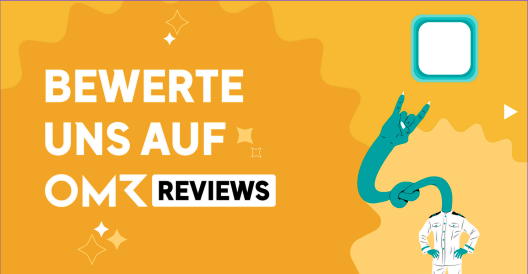
Use platforms like Instagram, LinkedIn, and TikTok to connect directly with your community. Actively ask for their opinions, share your non-incentivized survey link, and encourage them to share their experience using your product with others. By engaging with your followers, you’ll gather valuable feedback and strengthen trust in your brand at the same time.
-Apr-14-2025-01-39-34-6779-PM)
Please note: since your social media channels don’t reach only your users, non-users may also hear about the review campaign and submit reviews. We try to identify these reviews through our review process.
Review Requests After Support Interactions
The success of a review campaign depends on the right timing, the right messaging, and choosing the right channels. Alongside traditional email campaigns and social media posts, there’s a particularly effective trigger in the customer journey: support interactions.
Support requests are often moments when users are highly engaged. They get in touch with you about a specific issue and receive direct assistance. You can use these touchpoints to transparently let them know afterward that they have the option to leave a review.
1) CSAT as a possible filtering mechanism
If you use a customer satisfaction survey (e.g., CSAT) in your support process, you can use it as an optional filter for a subsequent review request.
How it works in practice:
-
Users who give a particular rating in a ticket follow-up survey (e.g., “Good” or “Excellent”) can optionally receive an invitation to review your product on OMR Reviews afterward.
-
This lets you segment your outreach and target user groups who have recently been in touch with your support team.
2) Contextual messaging
If you send review requests after support interactions, we recommend keeping your message short and relevant to the context. Transparently referring to the previous interaction can make your message more relevant.
Example of suitable wording:
"Thanks for your feedback about our support. If you’d also like to share your experience publicly, we’d love it if you left a review on OMR Reviews."
Keep the message concise, include a clear call to action, and avoid too much additional information. This keeps the process simple and easy to understand.
For accurate performance tracking, we recommend setting up this channel separately from your other activities and using dedicated campaign links.
In the OMR Manager, you can create channel-specific review campaigns with dedicated review links under “Bewertungen & Kampagnen”. You can add these links directly to the template for your automated support email (e.g., in your CRM or support tool).
👉 Find more information about “Review campaigns in the OMR Manager” here.
Segmentation & Frequency Management
Regardless of the trigger you choose, you should clearly define how often you contact users to avoid reaching out to them multiple times.
Recommended settings:
-
Send requests based on defined CSAT scores
-
Set a frequency limit per user (e.g., once every 6–12 months)
-
Optional: Exclusion criteria (e.g., internal accounts, test users, very new customers who haven’t used the product)
Incentives & Conditions
Users can receive an incentive for a published review once within a 12-month period. This ensures incentives aren’t used repeatedly for edits to existing reviews and helps you manage your budget sustainably.
Monitoring: Keep an eye on your budget and campaign duration
Since support-based triggers typically run continuously, you should regularly check your budget and performance.
Best practices for monitoring:
-
Regularly check your bonus incentive budget in the OMR Manager
-
Set a time or budget limit for the campaign if needed
-
Continuously refine your segmentation (e.g., by product usage, account type, or lifecycle stage)
What happens when the budget runs out?
If your incentive budget runs out, the survey links remain active. However, no more vouchers will be sent after a review is published. That’s why realistic planning and precise segmentation are especially important.
Incentives: Yes or No?
We don’t recommend using incentivized survey links in organic social media posts or paid ads.
An incentivized link helps you reach a broader, less segmented audience. This increases the risk that people who don’t actively use your product will also submit reviews. As a result, the quality of the reviews may decrease.
In addition, incentivized campaigns promoted through paid ads can quickly give the impression that reviews are being influenced or even “bought.” This may encourage customers to leave overly positive feedback just to receive the incentive. These reviews don’t reflect the real user experience and can undermine trust in your brand over the long term.
👉 Get the LinkedIn post template here
👉 Get the Instagram post template here
👉 Get the Story & Reel template here
Step 5: Run Your Campaign
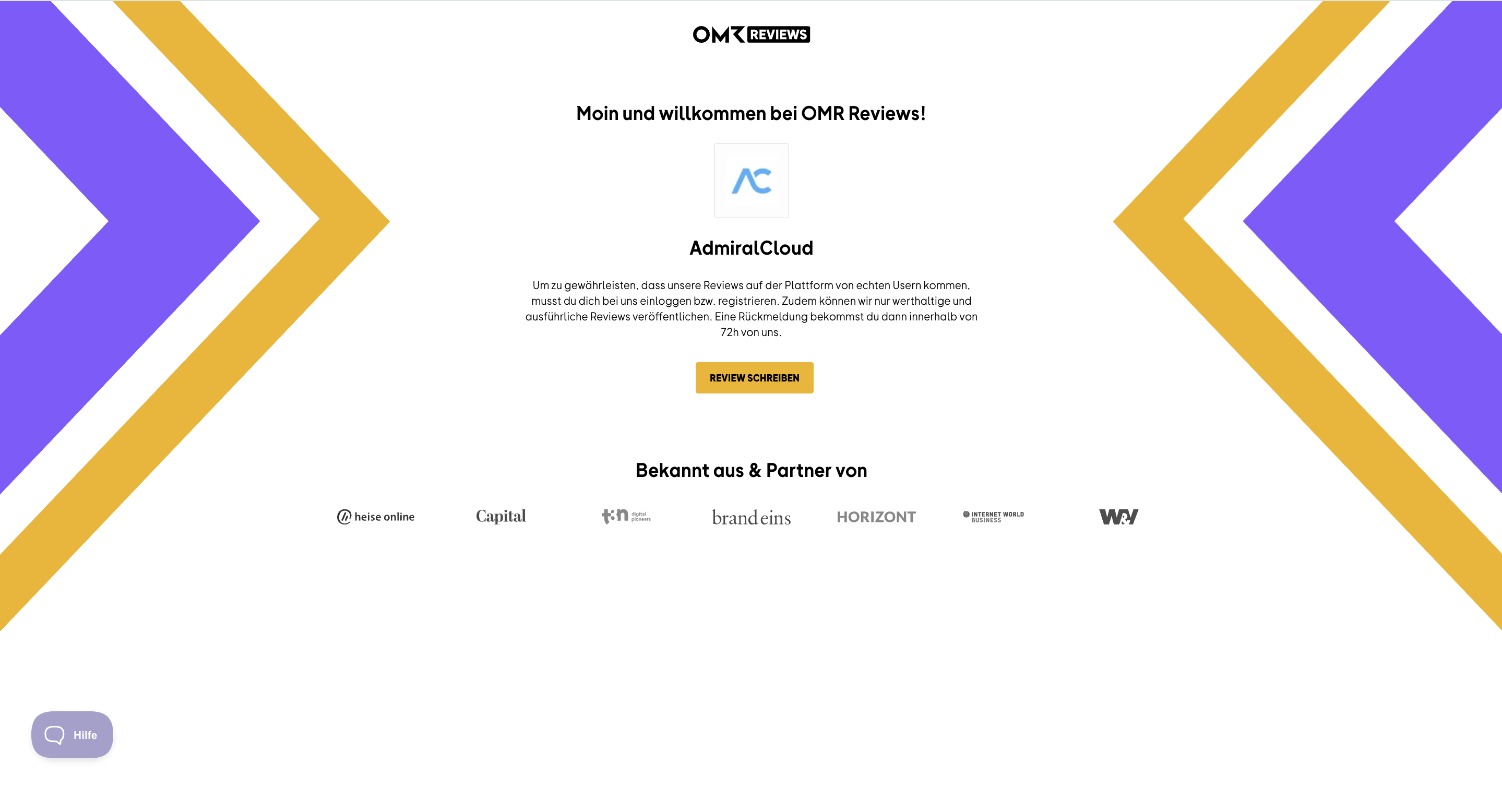
It’s time to launch your campaign and actively collect reviews! Create a campaign. The survey link you add to it takes your customers directly to your OMR Reviews review landing page, where they can complete the survey.
Start your review campaign by following this step-by-step guide to learn how to create a campaign in the OMR Manager.
Make sure you only use the survey link you created for your campaign, not the link to your OMR Reviews profile. For more information and background, take another look at our article "OMR Reviews Survey Link".
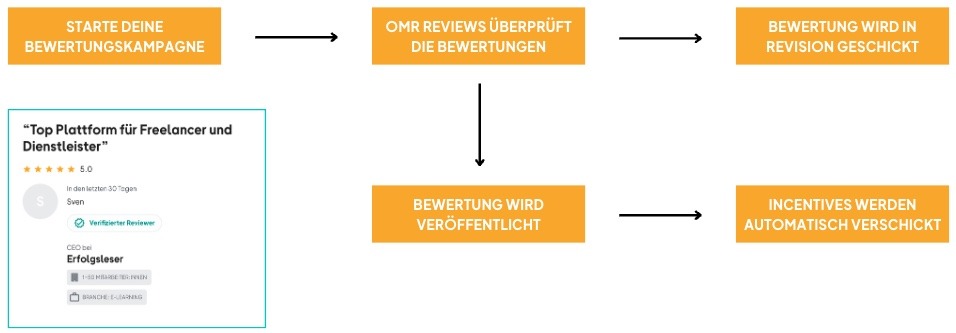
-4)Each submitted review is personally checked and validated by our Operations team, usually within 72 hours, to make sure it’s authentic and comes from a real user. You can read more about the guidelines we follow here.
Step 6: Measure your success and identify opportunities for improvement
Once your review campaign is over, it’s time to analyze its success and identify opportunities for improvement.
Take a look at how well the timing of the campaign and its individual initiatives worked, how many reviews were published, and which users they came from. This will help you increase participation more effectively in the future.
You should also gather internal feedback and hold a short retrospective with the stakeholders involved, such as your Customer Success team. Discuss your review strategy, challenges, successes, and the customer feedback you received. This will help you draw valuable insights and continue to improve your review campaigns over time.
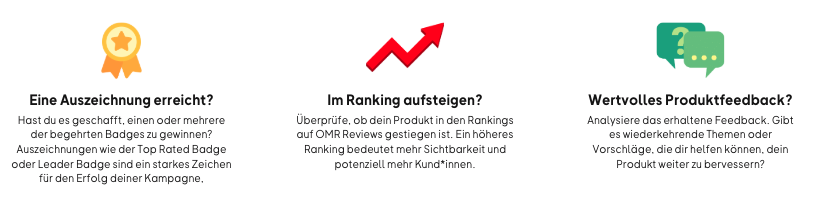
Share the customer feedback you received in reviews with the relevant teams, such as your Product and Service teams. This allows you to actively use your customers’ input to improve your products and services and strengthen customer loyalty.
Empower your teams to work on the issues raised or get in touch with customers personally to respond to their feedback.
With the Advanced plan and above, you can also respond to published reviews directly through OMR Manager. Your reply will be published directly below the review on your profile, so potential and existing customers can see that you respond to customer feedback in a thoughtful and informative way. This helps improve how people perceive your brand.
What’s next? It’s time to celebrate your successful review campaign with your team! 🎉
Check out more articles in our “Reviews & Awards on OMR Reviews” category for helpful tips and best practices on handling customer feedback and making effective use of reviews and badges across your channels.
 Powered by happysupport.ai