
Guide: Integrate OMRviewer data into your tool stack
Connect OMRviewer company visit data to your CRM, enrichment tools, or activation workflows using Zapier and Clay middleware for automated buyer intent signals.
An overview of the three integration options and the complete five-step setup for the middleware option using Clay and Zapier
OMRviewer reveals anonymous company visits on OMR Reviews. To put these signals to work, you need to feed them into your tool setup, whether that’s your CRM, enrichment tools, or activation workflows such as LinkedIn ABM. This article explains the three options and walks you through the setup for the most flexible one: connecting OMRviewer to Clay via Zapier.
GDPR notice:
Company visits are identified at the company level only, not at the individual level. Applicable data protection policies and GDPR requirements are taken into account.
In this article 👇:
-
What OMRviewer tracks and what you can do with the data
-
The three ways to integrate OMRviewer data
-
Connecting OMRviewer to Clay: a five-step setup via Zapier
-
Alternative: import a CSV without automation
-
Your data foundation is in place
What OMRviewer tracks and what you can do with the data
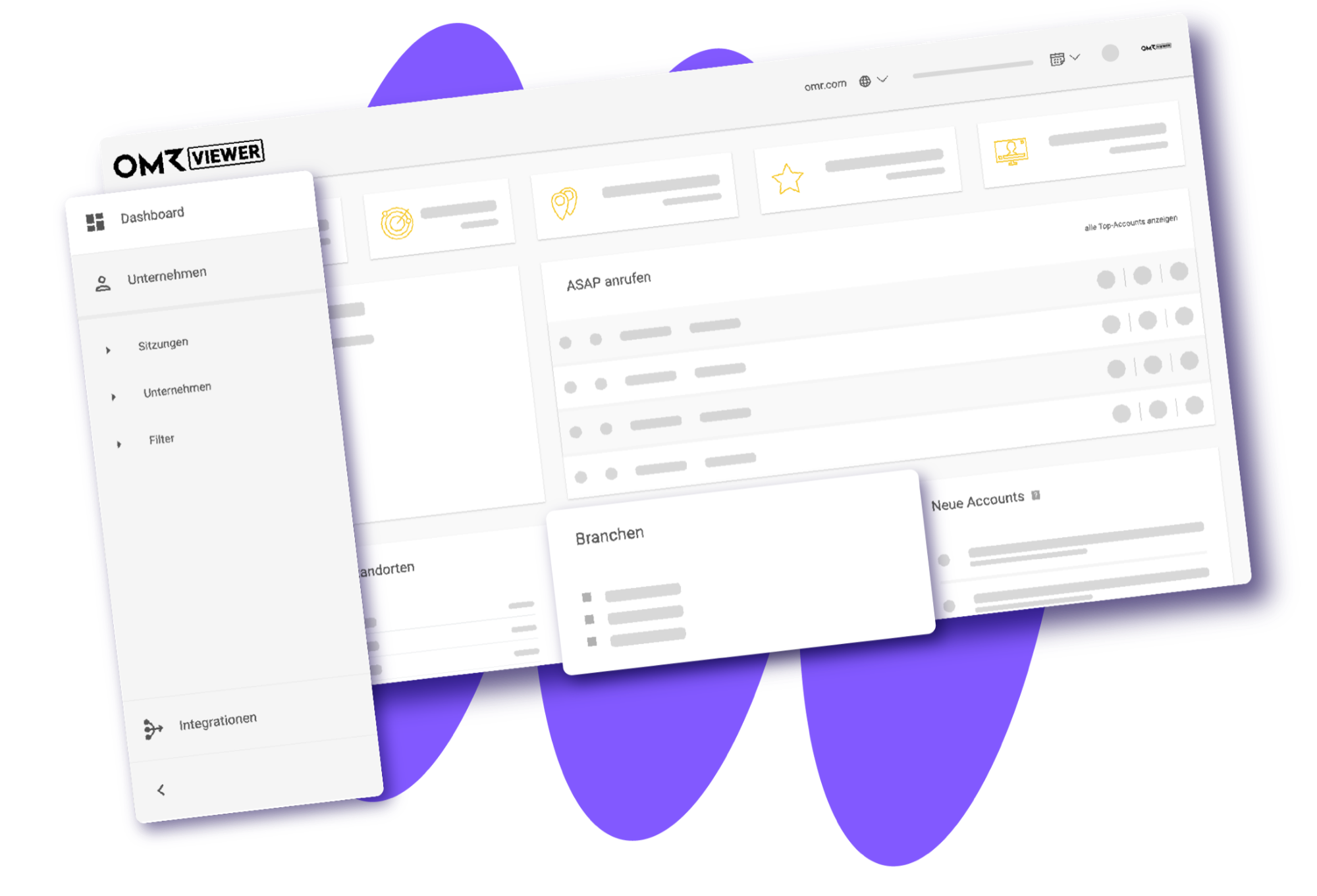
OMRviewer reveals anonymous company visits on OMR Reviews. It detects four types of page views:
- Your product profile: Companies are searching directly for you or evaluating your product.
- Competitor profiles: Companies are checking out your competitors. These visits are just as relevant because they show that the companies are actively exploring the market.
- ContentHub: Companies are reading topic-related content on OMR Reviews.
- Category pages: Companies are browsing your software category. This is a classic early-stage signal.
The result is a list of companies showing active purchase intent at the time of export. This list is the foundation for everything that follows.
👉 Learn more about “What is buyer intent data?”
The three ways to integrate OMRviewer data
You have three options for processing OMRviewer data. The right one for you depends on your setup.
Option 1: Direct CRM integration via OMRviewer
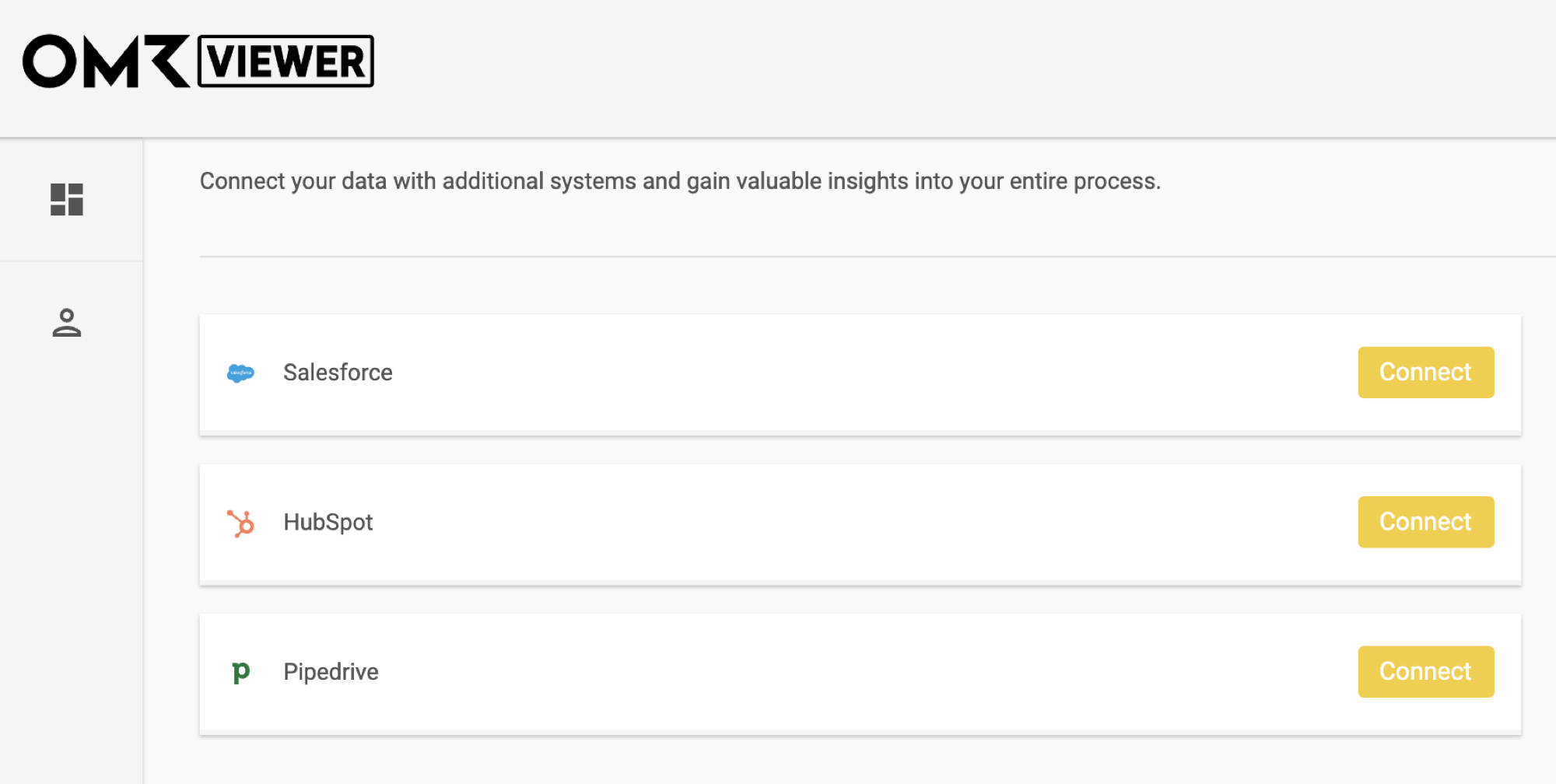
The easiest option. Log in to OMRviewer, go to Integrationen, and connect it directly to your CRM: HubSpot, Salesforce, or Pipedrive. New company visitors will then automatically appear in your CRM.
Option 2: Native CRM integration via API key
Ask your Customer Success Manager for the OMRviewer API key, then use it to set up a native connection to your CRM. This gives you more control over field mappings and automation logic.
Option 3: Middleware for enrichment, scoring, and activation
If you want to do more than simply transfer data, you need an intermediate layer. Middleware tools such as Zapier, Make, n8n, or Clay enrich the raw data, qualify it, and activate it directly in campaigns. This is the option to choose if you want to set up LinkedIn ABM.
You’ll need the OMRviewer API key or a manual CSV export. The rest of this article covers this third option using Clay as an example.
👉 Learn more about “CRM Integration”
Please note that the API key is available starting with the Professional plan.
Connecting OMRviewer to Clay: a five-step setup via Zapier
Clay is a data enrichment and lead intelligence tool. It combines company and contact data from more than 150 sources in a spreadsheet-style interface. Zapier lets you connect OMRviewer and Clay automatically, so new profile visitors go straight into your Clay table.
Step 1: Connect OMRviewer as a trigger in Zapier
1. Create a new Zap in Zapier. Select Webhooks by Zapier as the trigger and search for Salesviewer (available only with paid Zapier subscriptions).
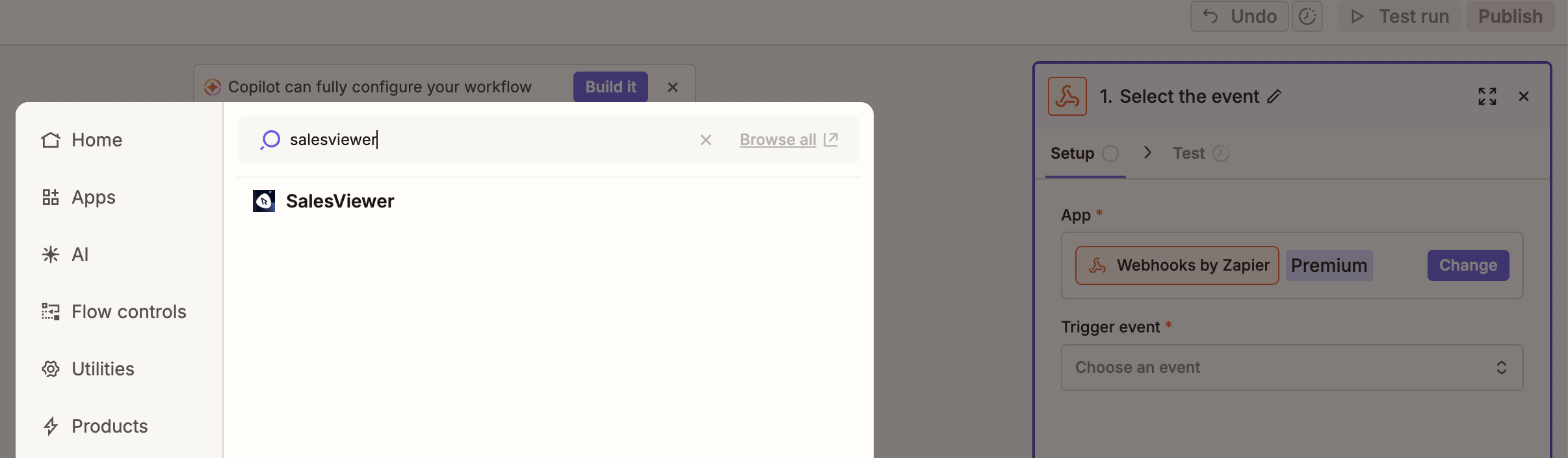
The Zapier trigger is called “Salesviewer” because OMRviewer is based on Salesviewer technology.
2. Choose a trigger event. Each event has a different signal strength and is suited to a different use case:
- Intensive Visits: Fires when a company spends at least 30 seconds on your website. This is a strong engagement signal, making it useful for sales handoffs or retargeting audiences.
- New Visits: Fires for every detected visit. This is the broadest trigger option and makes sense if you want to enrich the full set of data in Clay and filter it there.
- Returning Visitors: Fires when a company visits more than once. This is a classic purchase intent signal for mid-funnel follow-up.
- Visits from Favourite Companies: Fires only for companies you’ve marked as favorites in OMRviewer. It’s ideal for a high-priority ABM target list.
- Visits from New Companies: Fires when a company is identified as a lead for the first time. This is an ideal trigger for handing off net-new accounts to your SDR team.
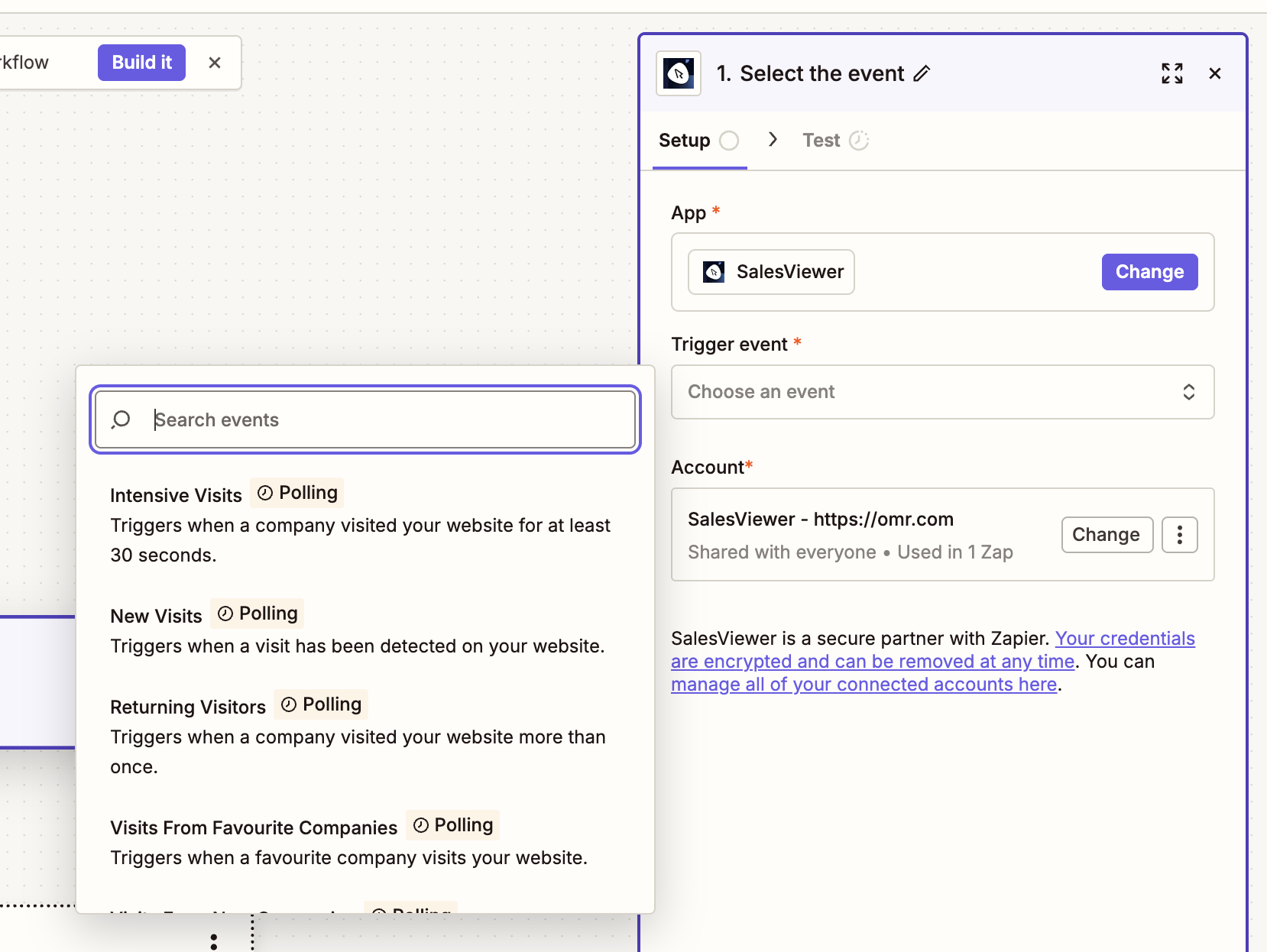
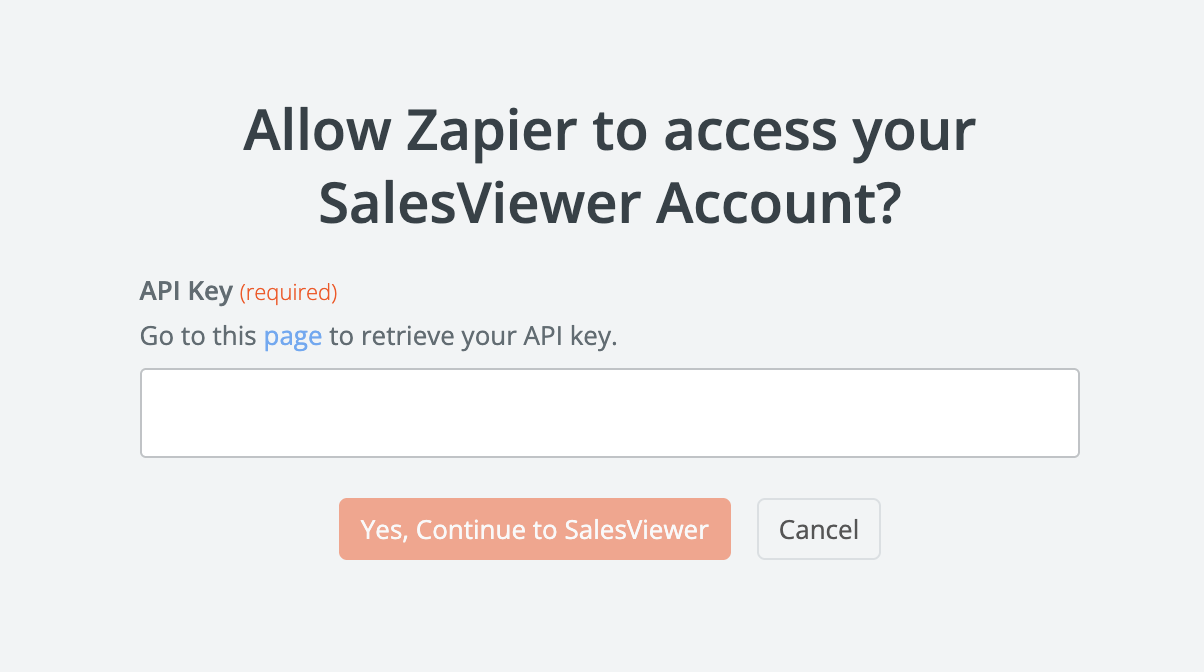
3. Connect your account by entering your API key. You can get the key from your Customer Success Manager.
Step 2: Set Clay as the action
- Create a new table in Clay with the following columns: Company, Industry, Country, Event Type, Visited URL, Timestamp.
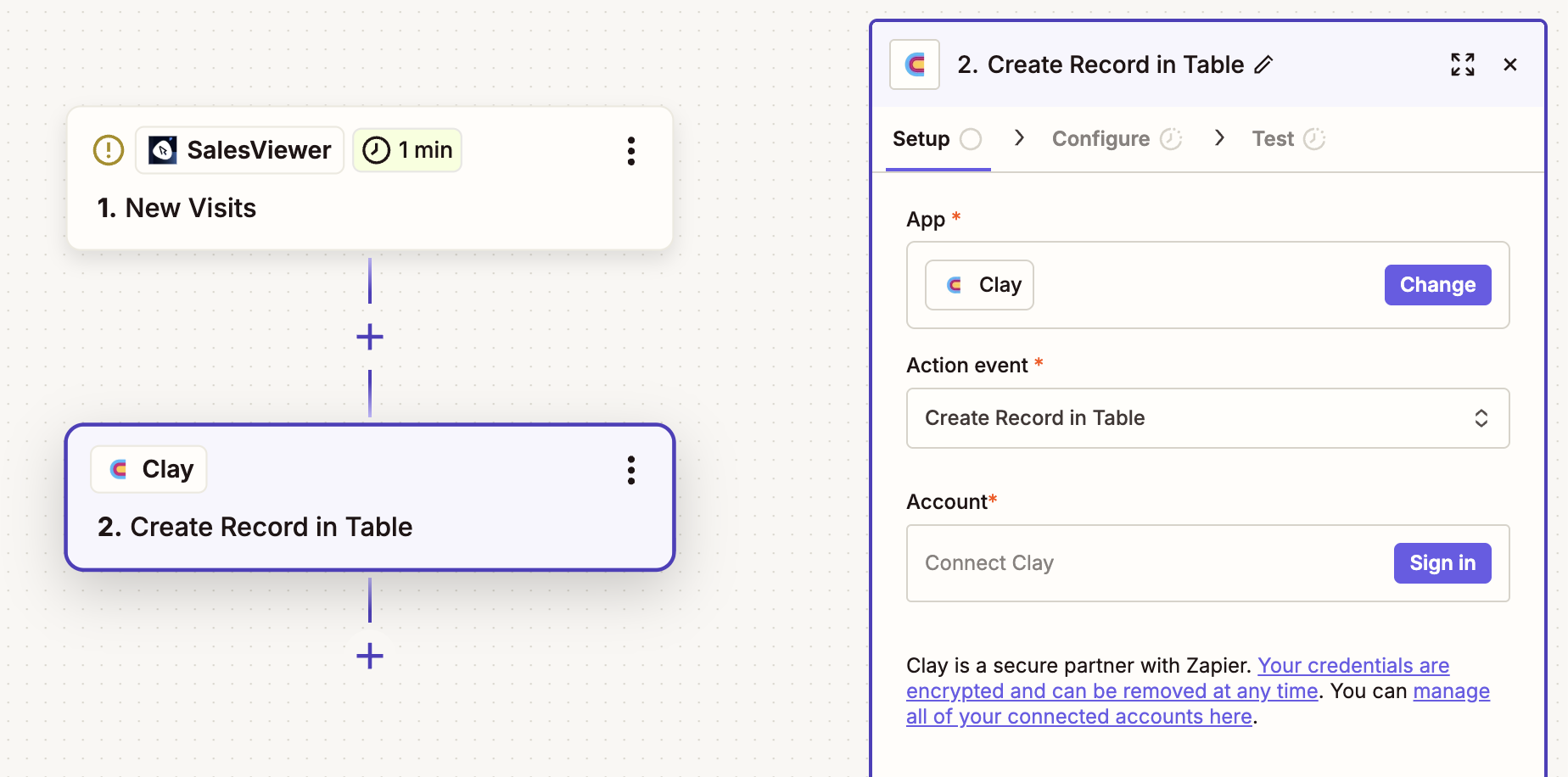
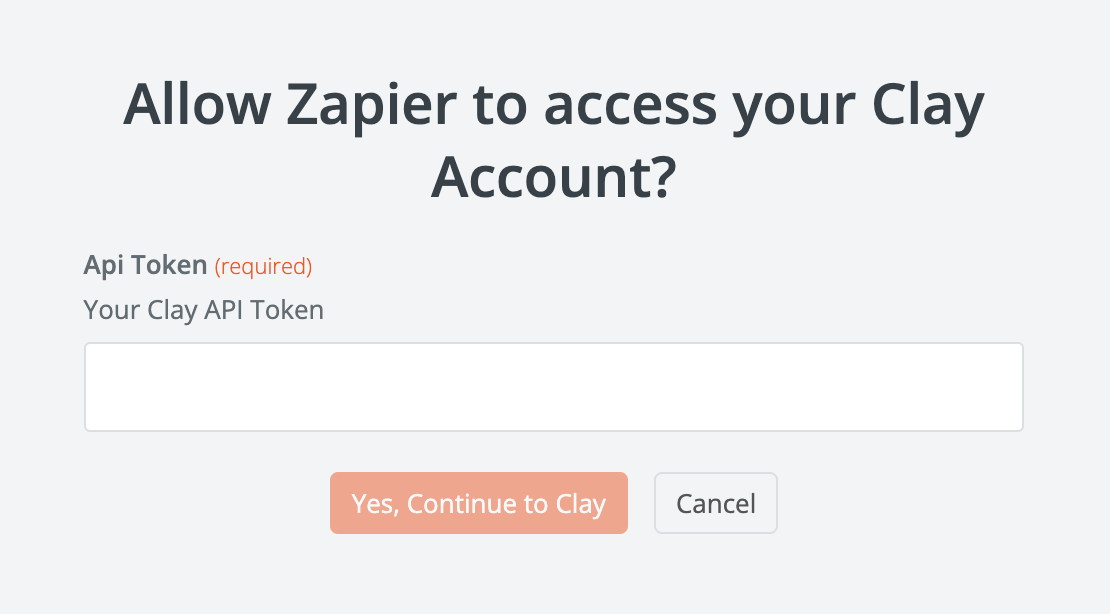
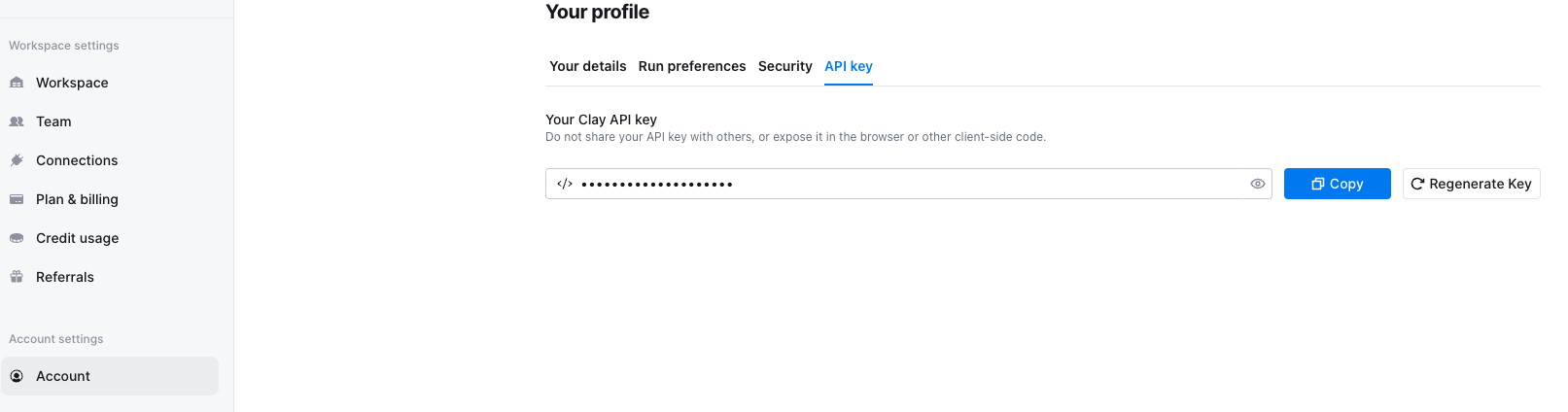
- In Zapier, choose Clay as the action app and select “Create Record in Table” or “Update Record in Table” as the action. Enter your Clay API key. You can find it in Clay under Account Settings → API Key.
Step 3: Map the fields
Map the Salesviewer data fields to the columns in your Clay table:
- Company → “Company”
- Industry → “Industry”
- Country → “Country”
It’s also a good idea to map the event type, visited URL, and timestamp so you can filter by signal strength in Clay.
Step 4: Activate the Zap
Turn on the Zap. Zapier will now check for new data every minute and send it directly to Clay.
Step 5: Automatic sync is up and running
Your Clay table will now fill automatically. Every newly detected company will appear there, ready for you to process further: enrich contact details, score companies for ICP fit, and segment lists.
Common issues and quick fixes
Many common issues can be identified in the trigger setup or field mapping and fixed within a few minutes.
“Zap doesn’t fire”
→ First, check that you selected the right trigger event in Zapier. It can also help to trigger a test visit in OMRviewer so you can test the workflow manually.
“Clay columns are empty”
→ In most cases, this is due to field mapping. Check that the incoming data fields are mapped to the correct Clay columns.
“Duplicate entries in Clay”
→ Set the Clay action to “Update Record” and use the company name (“Company”) as the match key. This updates existing records instead of creating new ones.
Alternative: Import a CSV without automation
Want to try things out before setting up automation? You can do that without Zapier.
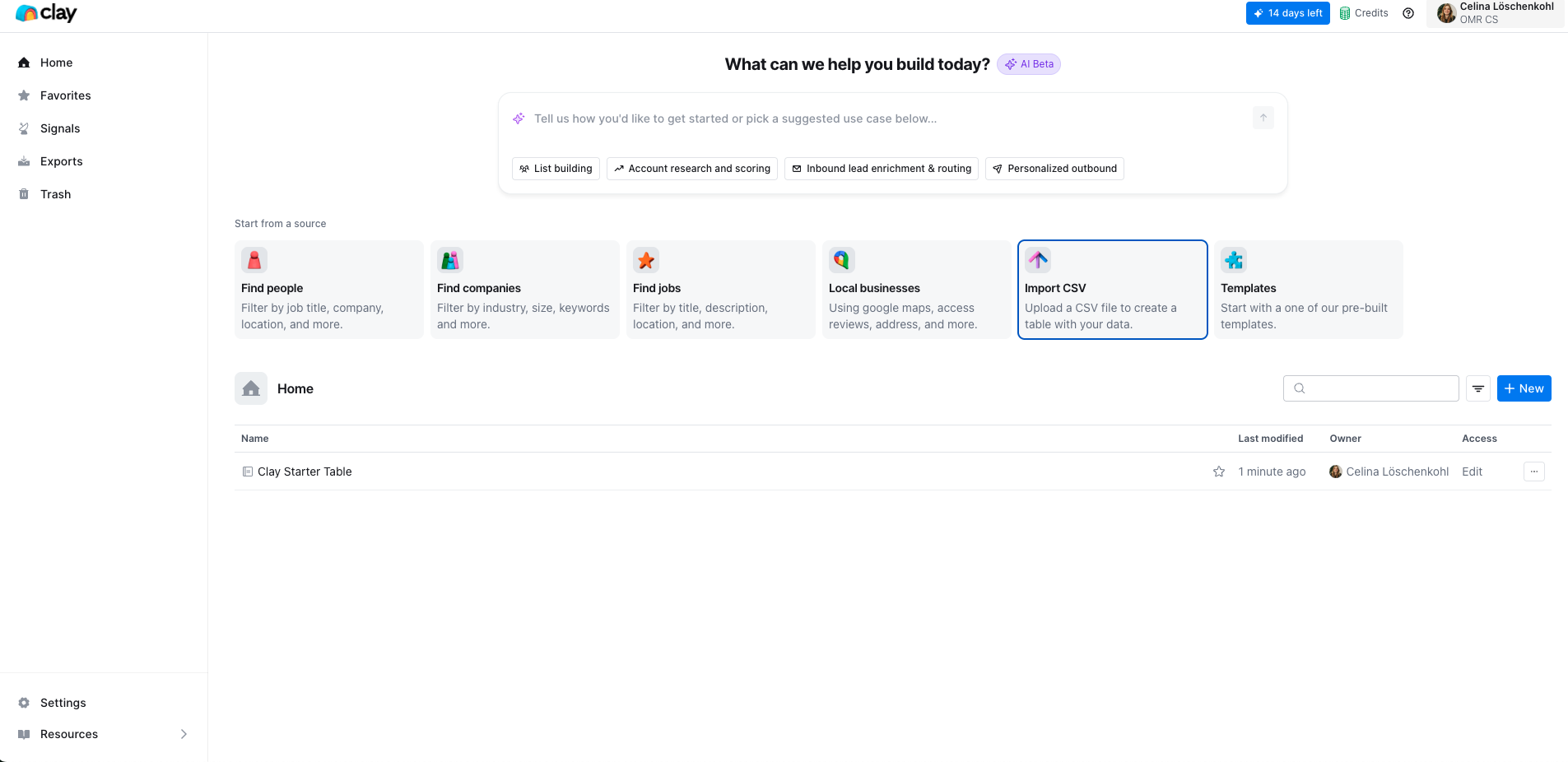
Export a company CSV from OMRviewer. Open Clay, click “Import CSV”, and upload the file. This is the quickest way to run a one-off test and a great first step before setting up the automated workflow.
Your data foundation is in place
Company visits from OMR Reviews will now flow automatically into your Clay table (or into your CRM if you chose option 1 or 2). You can enrich the data, score companies for ICP fit, segment them, and pass them on to all your downstream tools, from sales engagement and marketing automation to paid campaigns.
The next logical step is activation: launch targeted LinkedIn ABM campaigns for your qualified accounts. The next article covers the complete workflow, from creating a Custom Audience to building a dedicated landing page.
👉 Best practice: From intent signal to LinkedIn campaign
 Powered by happysupport.ai