
How Does the Incentive Budget Work?
Set up review campaigns in OMR Manager using your incentive budget, offering Amazon vouchers or €20 gift vouchers as customer review rewards
What is the Incentive Budget?
You receive an incentive budget based on your booked package, which you can use as an incentive for review campaigns. The budget is available to you throughout the contract term and cannot be transferred to other services or contract periods.
What Incentives Are Available?
You can choose from the following incentive options:
- Amazon voucher: Amount of your choice
- 20 euro gift voucher: Fixed amount
How to Generate Invitation Links
With the OMR Manager, you have full control over your review campaigns, which you can set up independently in the OMR Manager. There you also create the invitation links and set the duration, incentive (Amazon or gift voucher), amount, and limits (budget, number of published reviews, time period).
👉 To create an invitation link, log in with your OMR Manager account and follow these instructions.
When Are the Vouchers Sent Out?
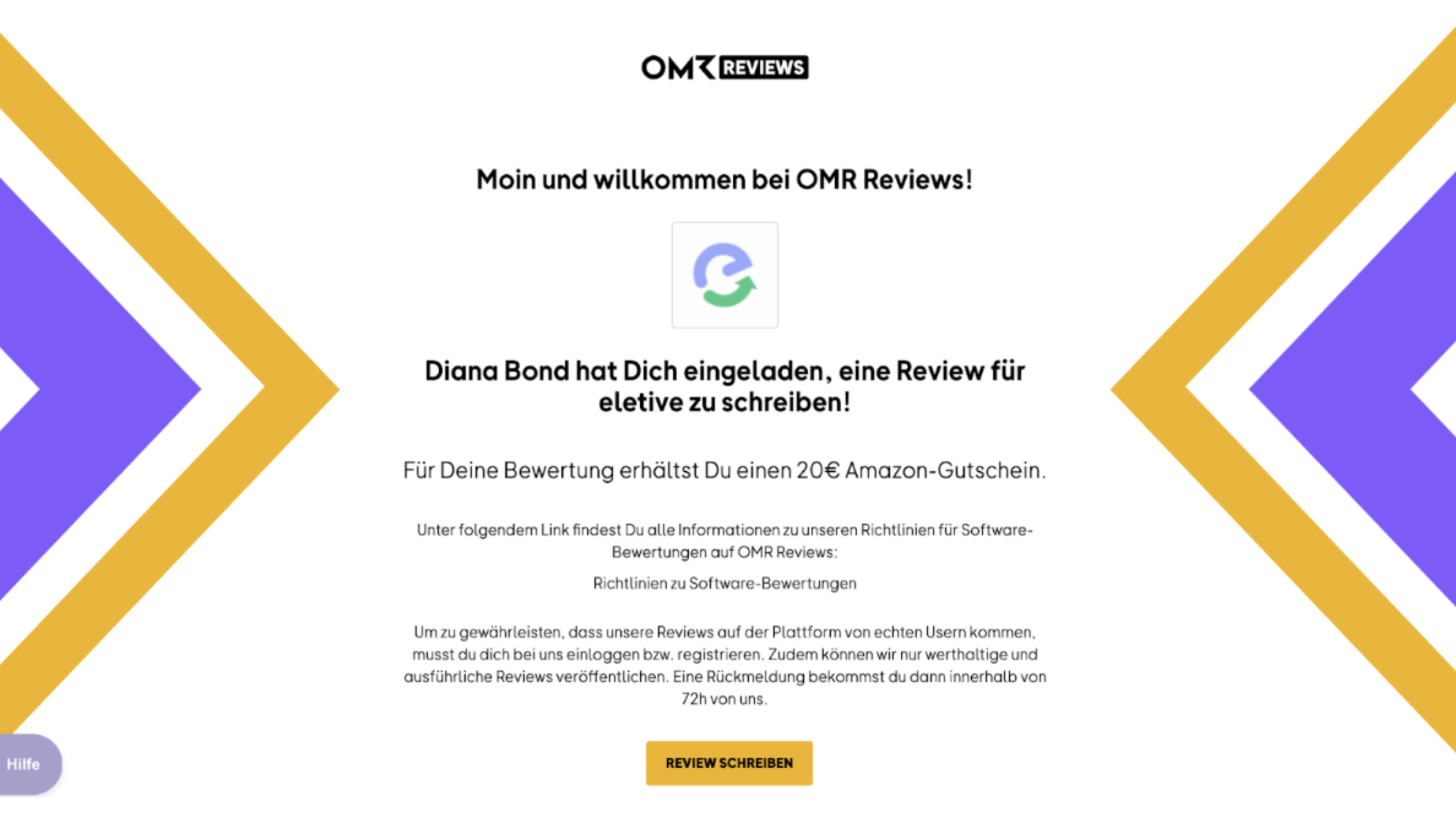
Incoming reviews are checked by us within 72 hours. The vouchers are then sent automatically after the review is published. If a review is rejected because it doesn't comply with our guidelines, your customers will be notified via email that they can adjust their review and resubmit it at any time.
Did we answer your question? Thanks for your feedback! An error occurred. Yes No No results found
 Powered by happysupport.ai